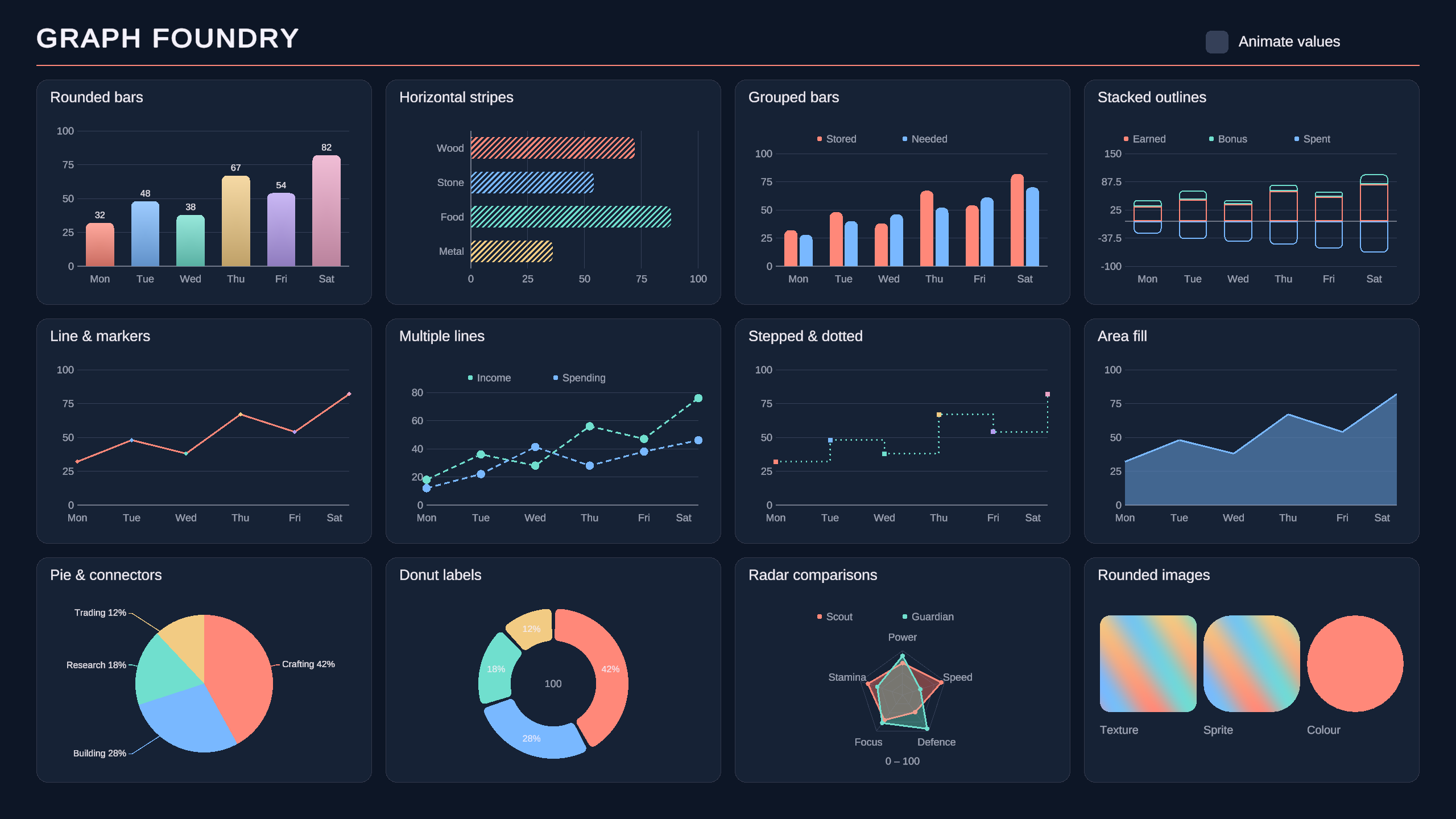
Graph Foundry
Graph Foundry
Charts and data UI you can fit to your game.
Unity 6 · uGUI / TextMesh Pro
Choose a chart, enter named values and fit the labels and legend to your layout. Use series for multiple lines, radar comparisons or grouped and stacked bars. Graph Foundry is currently a local prototype; this guide describes the current implementation.
Show an inventory comparison
- Create a Grouped / stacked bars chart from the library.
- Add resource names under Data, then add a Stored and a Needed series.
- Enter one value per category in each series.
- Choose Grouped to compare the amounts side by side, or Stacked to show signed totals.
- Use Embed in my UI to remove the panel background and key, then enable a floating tooltip if wanted.
Use the scripting reference to update a single category when inventory changes instead of rebuilding the entire chart yourself.