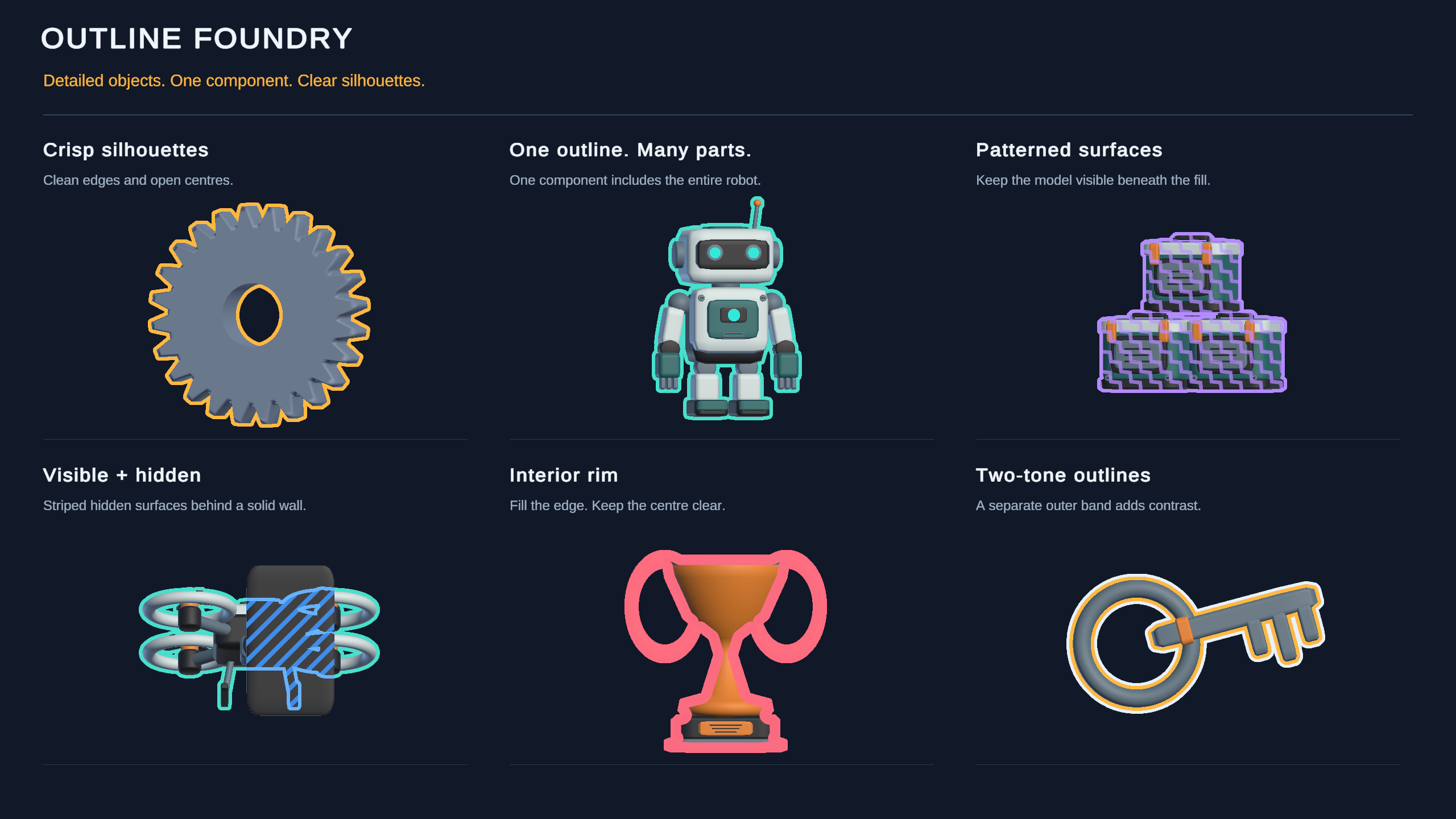
Outline Foundry
Outline Foundry
Crisp silhouettes and patterned surface fills for URP.
Unity 6.0 · URP 17 · Render Graph · 3D renderer
Configure the URP render feature once, then add Foundry Outline to the objects you want to highlight. Keep their original meshes and materials, include children when needed, and start with one Main colour. Separate fill, hidden and gap colours are optional; the outer band always has its own colour.
Get an outline on screen
- Install the required Unity Registry packages listed in Requirements and setup.
- Open Tools > Foundry > Outline Foundry > Setup > Open setup.
- Choose your camera and a 3D renderer, then click Enable outlines.
- Add Foundry Outline to a mesh object and set Main colour and Width.
- Open Samples > Open outline showcase to compare the effects.
The effect requires Render Graph. Built-in, HDRP, the 2D Renderer and Compatibility Mode are unsupported.