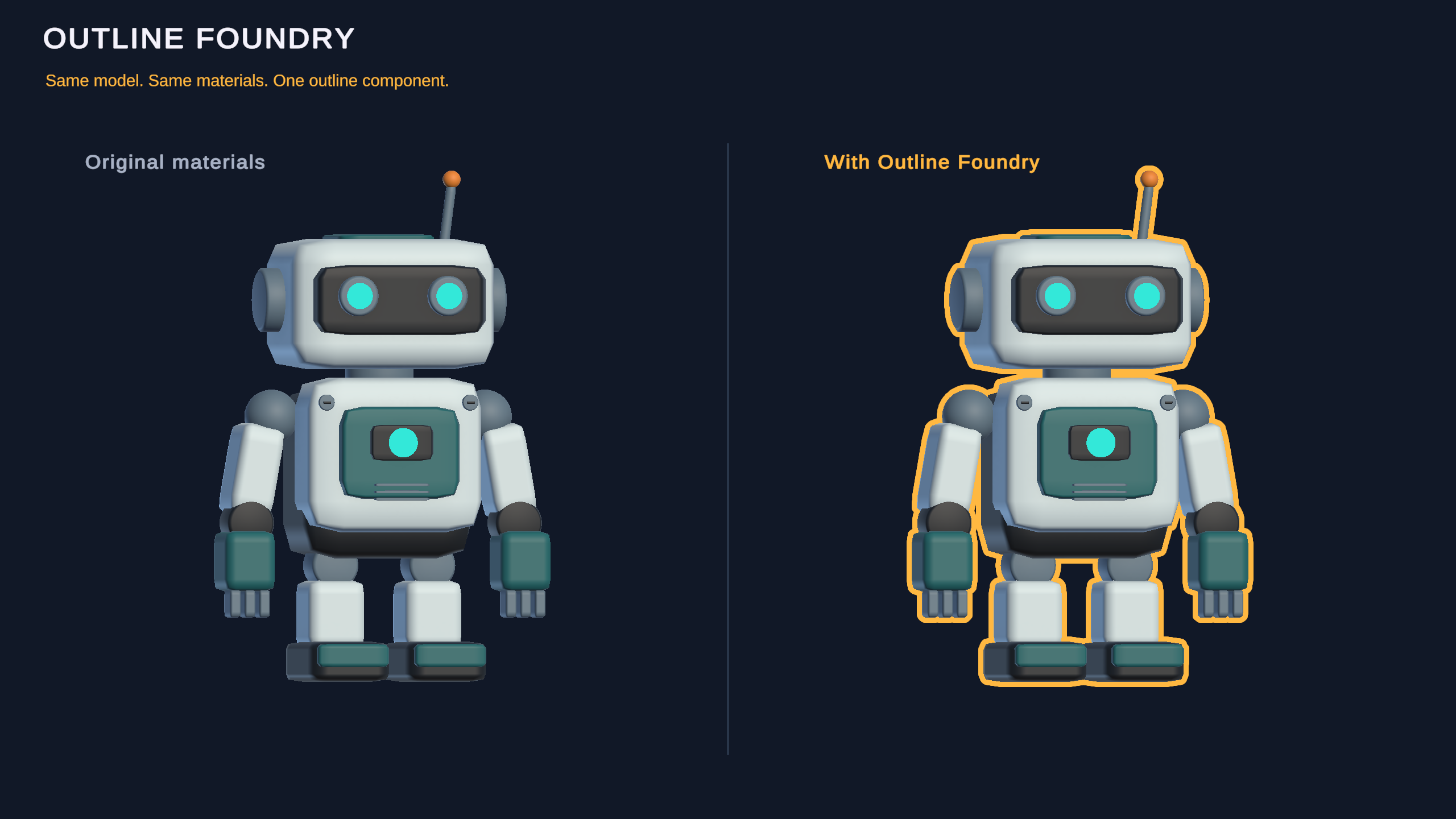
Outline Foundry
Your first outline
- Select an object with a MeshRenderer or standard SkinnedMeshRenderer.
- Add Foundry Outline from Add Component > Foundry > Outline Foundry.
- Set Main colour and Width.
- Increase Fill opacity if you want a surface highlight.
The original mesh and materials stay assigned to the object. No lighting or rendering layer assignment is needed. Outlines work in perspective and orthographic cameras. Show in Scene View controls whether a component also appears in the Scene view.
The Library at Tools > Foundry > Outline Foundry > Library can add the component to selected objects, open the samples and apply saved styles.