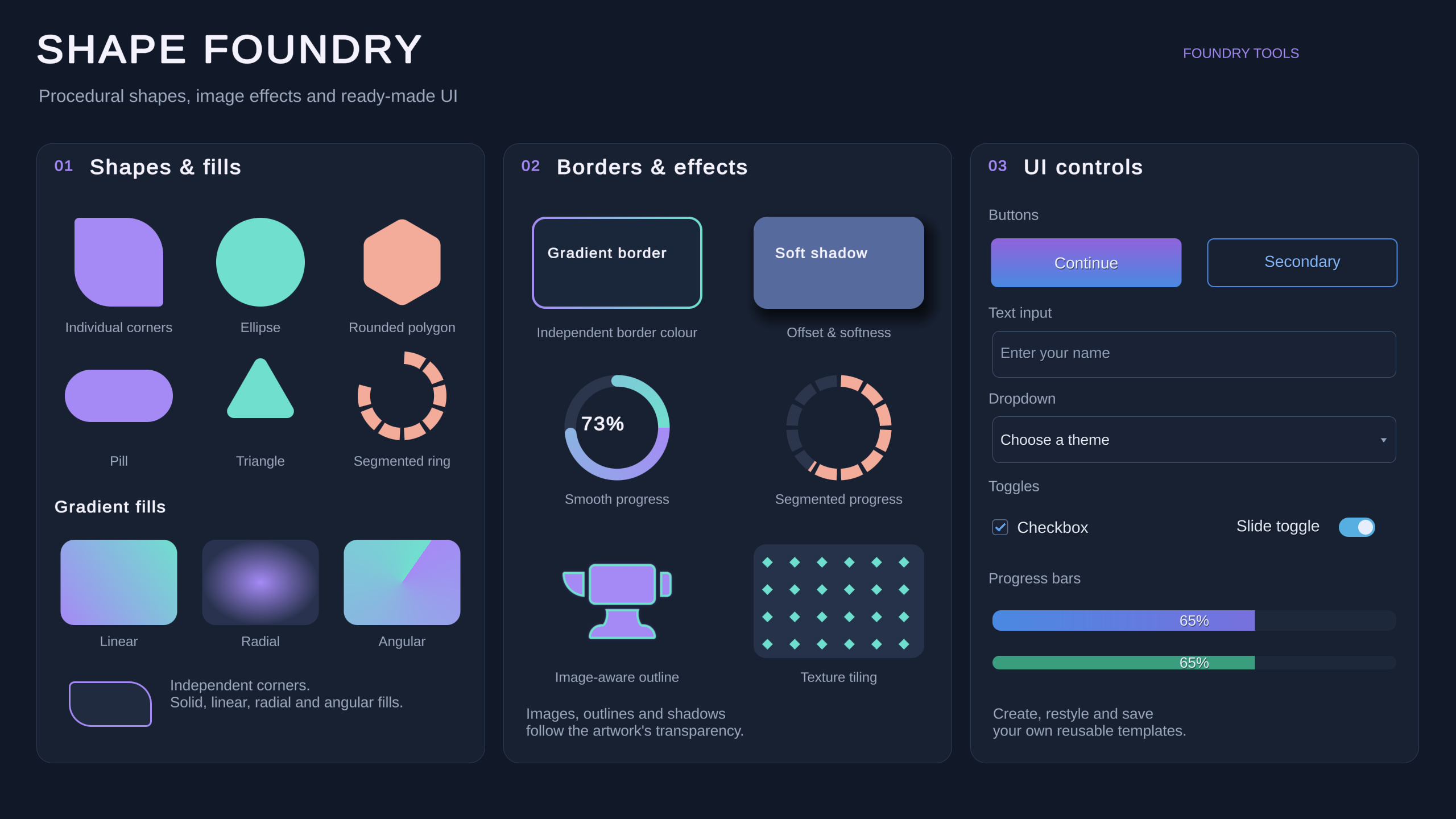
Shape Foundry
Shape Foundry
Shapes, image effects and reusable controls.
Unity 6 · uGUI / TextMesh Pro
Start with a button, panel or progress ring from the visual library. Adjust the shape, fill, border and shadow, then save the complete control for the next time you need it.
Make a reusable button
- Open Tools > Foundry > Shape Foundry > Library, choose Buttons, then Add to Canvas.
- Edit the TMP label and the Shape Image’s corners, fill and border.
- Use Choose a preset... to compare compatible button looks without replacing your text or events.
- Click Save control to library... to save the whole button as a prefab.
Use a template for a complete control. Use a shared appearance when several shapes should follow the same visual settings.