Sky Foundry
Sky Foundry
Procedural skies and day/night lighting for URP.
Unity 6 / URP 17 / 3D Universal Renderer
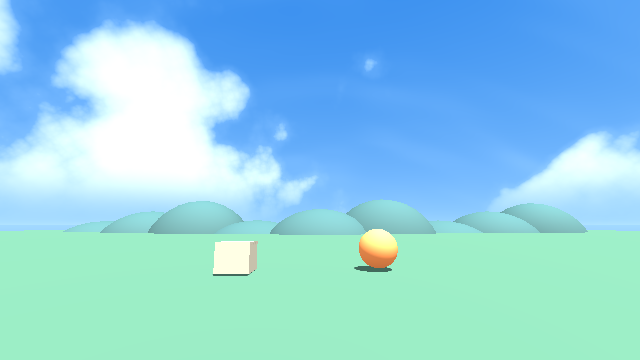
Sky Foundry provides a procedural sky background, an adjustable clock and coordinated sun, moon, ambient and fog settings. Reusable profiles and soft-cloud settings let you art-direct its appearance without external cloud textures. The supplied landscape demonstrates daytime, dusk and night. It is a sky and lighting controller, not volumetric clouds or a global illumination system.
Light a scene
- Use an active URP pipeline with a 3D Universal Renderer.
- Choose Tools > Foundry > Sky Foundry > Set up current scene.
- Keep Default or choose your own profile, then select the intended directional light.
- Create the controller and scrub its time in the Inspector.
- Save your scene. Your camera must clear to Skybox.