Squish Foundry
Motion and drops
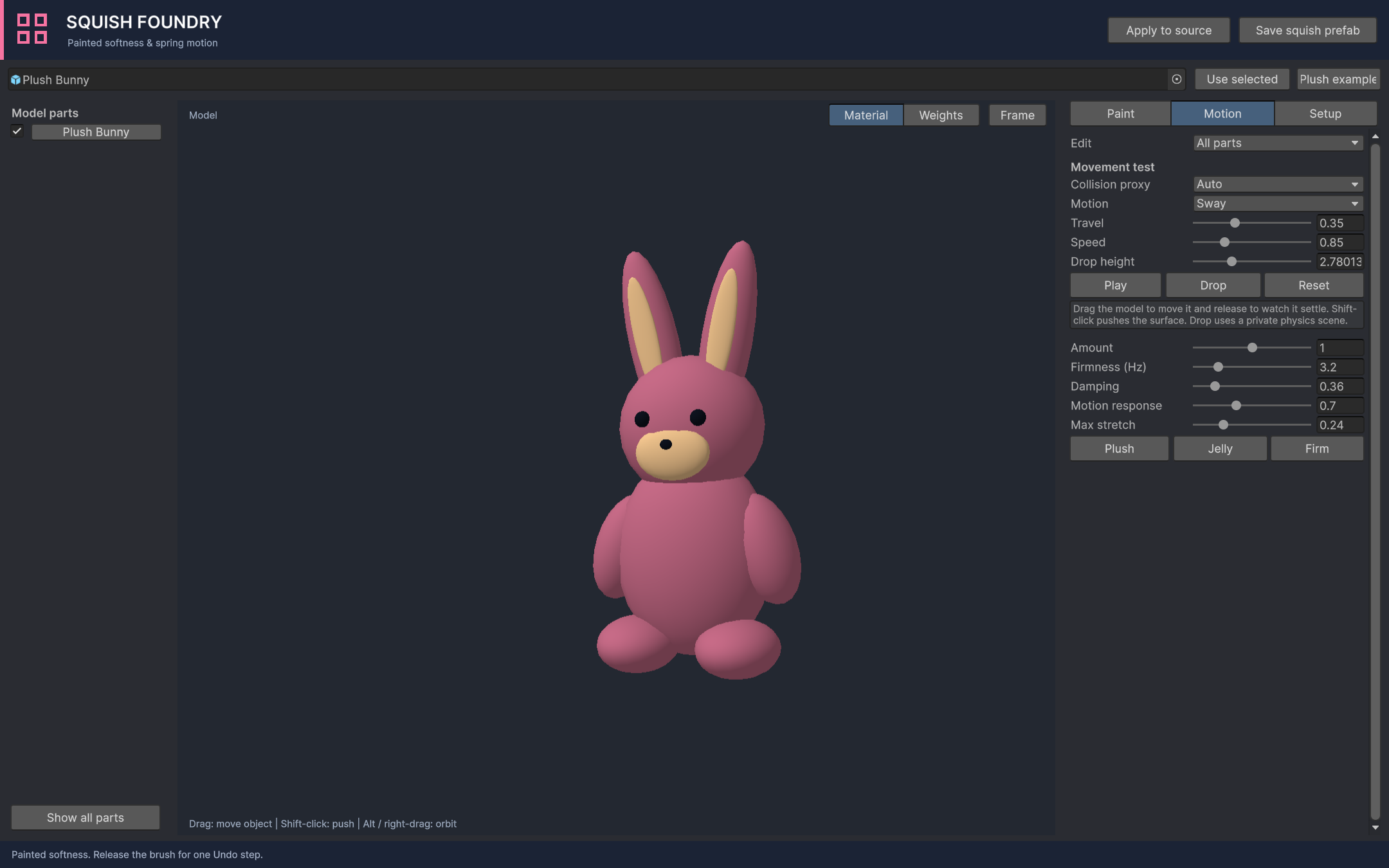
Use Alt-left-drag or right-drag to orbit, middle-drag to pan, and the wheel to zoom. Frame centres the model. Switch between Material and Weights views without changing the source material.
Motion has Still, Sway, Shake and Drop modes. Dragging the model moves its root and lets inertia deform the surface. Shift-click applies a local impulse. Pause holds the current state; Reset returns to rest. Drop height, travel and speed control the tests.
Drop runs inside a private Unity physics scene with its own floor and collision proxy. It does not advance your gameplay physics or run arbitrary scripts from the loaded object. Auto, Box, Sphere and Capsule proxies can be compared in the preview. Drop framing follows the object.
The preview clones mesh transforms and bones, not gameplay behaviours or Animator controllers. Use the included Rig scene or your game in Play mode to check bone-driven motion and animation integration.