Squish Foundry
Painting softness
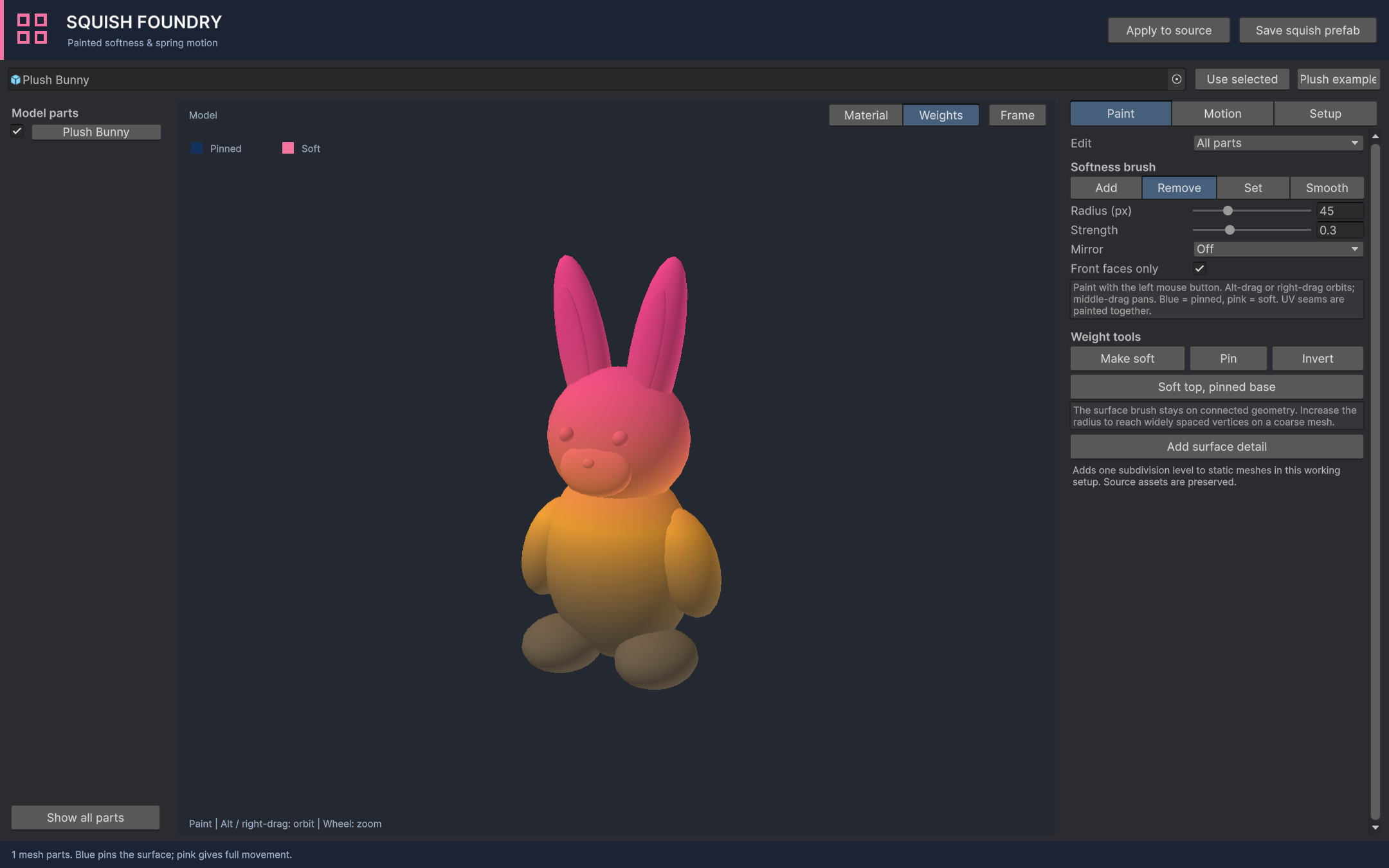
Add increases softness; Remove pins it. Set paints a specific value and Smooth softens transitions. Radius is measured in viewport pixels. Strength controls each brush dab.
The brush follows connected surface geometry rather than painting through the whole object. Vertices sharing a position are painted together across UV seams. Front faces only avoids painting the opposite side. Mirror repeats the stroke across the model root's X, Y or Z plane. Disconnected decorative pieces may need separate strokes.
The Edit selector scopes response changes and bulk weight tools to one part or all parts. Painting always edits the surface under the brush. On wider windows, part visibility controls help reach obscured surfaces; Show all parts restores them. Preview visibility does not remove saved geometry. Lower LOD renderers are initially hidden to avoid overlapping previews.
Make soft, Pin and Invert affect the chosen scope. Soft top, pinned base creates a vertical gradient over the whole model bounds. Undo/Redo restores painted strokes, bulk weights, subdivision and response changes. Each brush stroke is one Undo step.
A mesh needs vertices where you expect it to bend. Add surface detail subdivides static mesh parts in the working setup, preserving submeshes and interpolating weights. It does not smooth the underlying shape or rewrite the imported mesh. Skinned meshes retain their authored topology. The workspace accepts triangle meshes up to 250,000 vertices per part; subdivision is limited more tightly to prevent accidental large allocations.