Squish Foundry
Squish Foundry
Paint softness and preview spring motion on your meshes.
Prototype · Unity 6 · Physics
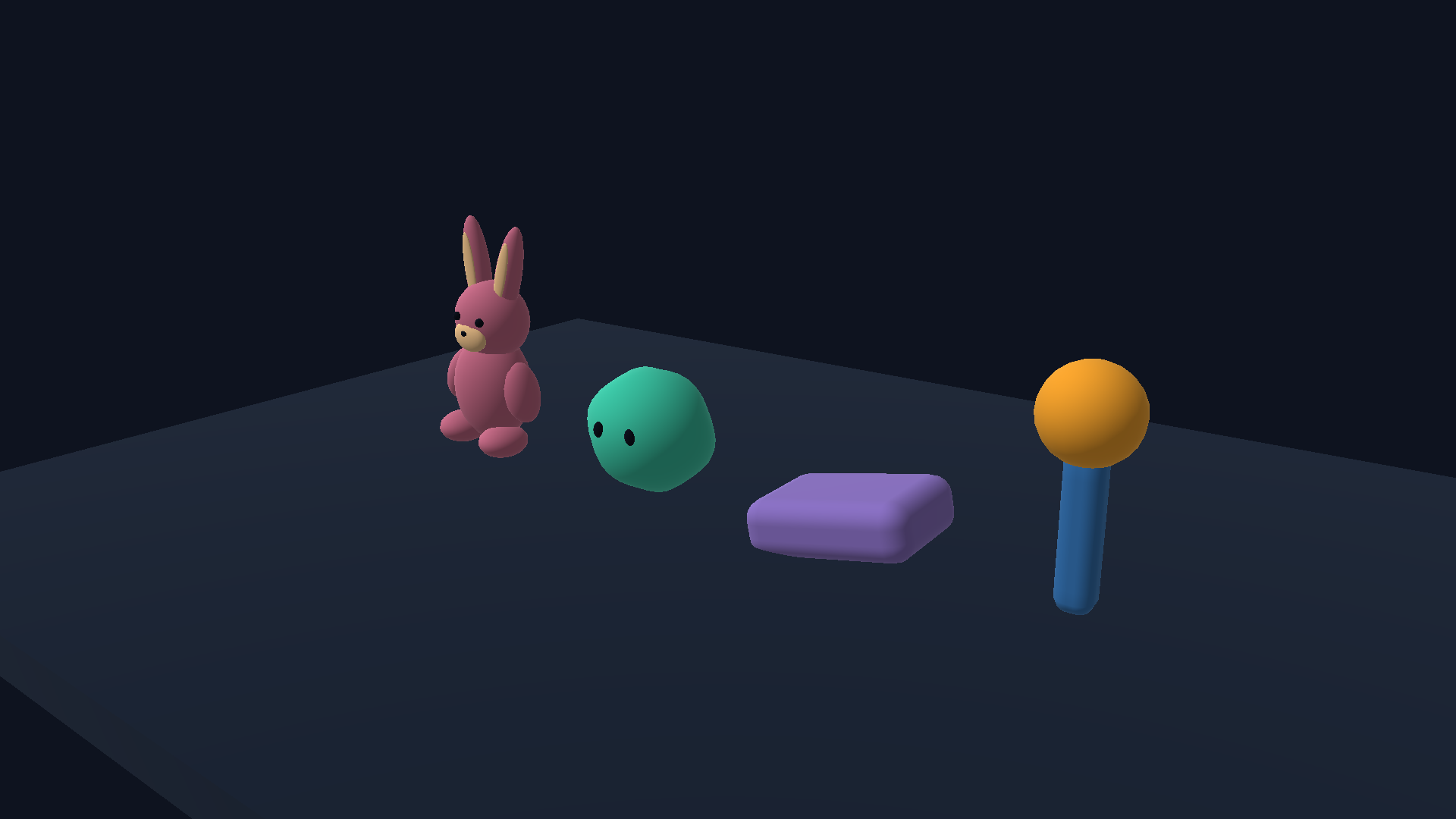
Squish Foundry adds painted spring deformation to static and skinned meshes. Load a prop, choose which regions move, test movement and drops, then save a new setup while preserving imported source assets. This is an unreleased prototype; collisions use rigid proxies rather than a fully deforming volume.
Try the plush toy
- Open Tools > Foundry > Squish Foundry > Workspace.
- Choose Plush example and inspect its painted weights.
- Switch to Motion, drag the model or press Drop.
- Tune Firmness and Damping, then save a separate Squish prefab.
The preview uses a private physics scene. Your gameplay physics and scripts are not advanced.